March 14, 2026
Your CAPTCHA Is Only as Strong as Your Weakest Model
How a math-based Django CAPTCHA fell apart the moment I pointed a vision LLM at it. Tesseract choked. Gemini didn't even blink.
The engagement that started it all
A few weeks ago I was on an engagement for Offensive Guardian. Standard assessment, nothing really out of the ordinary. During the engagement, I found an application which seemed to be a Django portal with a login form protected by a math-based CAPTCHA. You know the type: 8 + 6 =, rendered as a noisy, rotated image.
No rate limiting. No account lockout. Just the CAPTCHA standing between me and a brute force.
My first thought was the obvious one: OCR. Tesseract has been the go-to for pulling text out of images for years. Throw the CAPTCHA at it, parse the expression, eval the math, submit the answer. Easy.
Except it wasn’t.
Tesseract meets its match
The CAPTCHA had just enough visual noise to make Tesseract completely useless. We’re talking noise arcs, dot patterns, letter rotation, and a smoothing filter on top. The math expressions themselves were trivial for a human, but the rendered image was a mess for traditional OCR.
Here’s what Tesseract gave me on a clean-looking 8 + 6 = image:
[OCR] raw text: ''
[OCR] could not evaluate expression
Nothing. Blank. I tried different PSM modes, different thresholds, scaling the image up, median filters to remove noise dots. The best I could get was partial garbage:
[OCR] raw text: '86='It caught the digits but missed the operator entirely. And that was the best result across dozens of preprocessing configurations. Most of the time it just returned empty strings or read the noise arcs as characters.
This is the fundamental problem with OCR-based CAPTCHA solving in 2026. CAPTCHA designers have had decades to learn what breaks OCR, and even a basic django-simple-captcha setup with some rotation and noise is enough to make Tesseract choke.
Enter the vision model
So OCR was out. But the CAPTCHA was still just a math expression in an image. And we have models now that can look at images and understand them.
I pointed Gemini Flash at the same CAPTCHA images through an OpenAI-compatible API. The prompt was dead simple:
This image contains a math CAPTCHA expression. Read the expression,
compute the result, and reply with ONLY the numeric answer.
No explanation, no extra text - just the number.
The result:
[LLM] raw response: '14'
[LLM] extracted answer: 14
First try. Correct answer. Every single time.
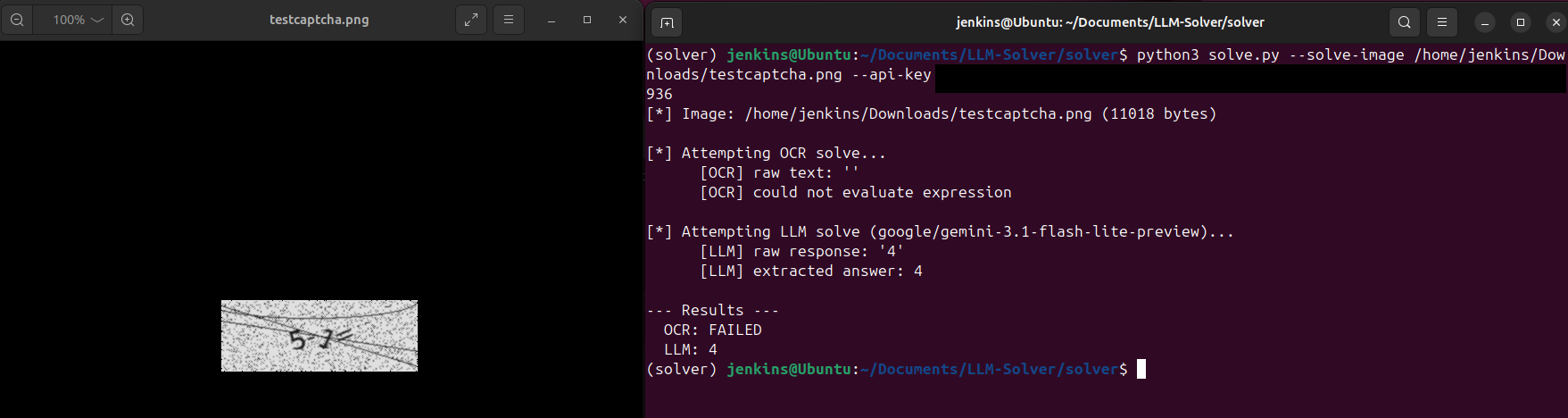
The vision model didn’t care about the noise arcs. Didn’t care about the rotation. Didn’t care about the dots. It just… read the expression and did the math. The way a human would, except faster and without getting bored after the tenth attempt.
Building the solver
I built a solver script that automates the whole thing. It handles the full login flow:
- Fetch the login page, grab the CSRF token
- Check if a CAPTCHA is present (the app only shows it after a few failed attempts)
- If there’s a CAPTCHA, try Tesseract first (it’s fast and free)
- If Tesseract fails, fall back to the vision LLM
- Submit the credentials with the solved CAPTCHA
- Check for a redirect to the dashboard
# OCR attempt
answer = solve_with_ocr(img_bytes)
if answer:
    solver_used = "OCR"

# LLM fallback
if answer is None:
    answer = solve_with_llm(img_bytes, api_base, api_key, model)
    if answer:
        solver_used = "LLM"
The dual strategy is intentional. On rare occasions, Tesseract does manage to read a simpler CAPTCHA correctly. When it works, it’s faster and costs nothing. But the LLM is the reliable one. In my testing, Tesseract solved maybe 1 in 10 CAPTCHAs correctly. The vision model solved every single one.
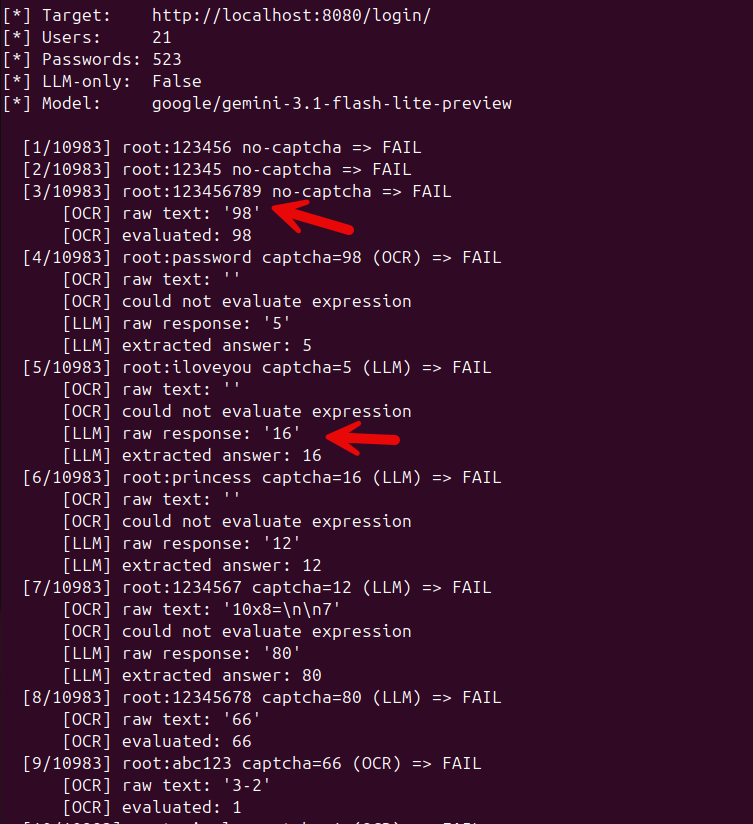
The CAPTCHA only appears after failed attempts
One interesting wrinkle: the Django app doesn’t show the CAPTCHA on the first login attempt. It only kicks in after three failed attempts from the same IP. This is actually the more realistic pattern you’ll see in the wild. Nobody slaps a CAPTCHA on the first login. It’s a progressive defense.
The solver handles this automatically. It reuses the same HTTP session so the server’s failure counter increments naturally. The first few attempts go through without a CAPTCHA (just username and password), and once the CAPTCHA appears, the solver detects it and switches to the OCR/LLM pipeline.
[1/48] admin:password no-captcha => FAIL
[2/48] admin:123456  no-captcha => FAIL
[3/48] admin:letmein no-captcha => FAIL
[4/48] admin:welcome captcha=12 (LLM) => FAIL
[5/48] admin:test    captcha=7 (OCR)  => FAIL
...
It works with any OpenAI-compatible API
The solver doesn’t care which vision model you use. Anything that speaks the OpenAI chat completions format works:
| Provider | API base | Model |
|---|---|---|
| OpenRouter | https://openrouter.ai/api/v1 | google/gemini-2.0-flash-001 |
| OpenAI | https://api.openai.com/v1 | gpt-4o |
| Local (Ollama) | http://localhost:11434/v1 | llava |
During the engagement I used Gemini Flash through OpenRouter. It’s cheap, fast, and accurate for this kind of task. But I tested it with GPT-4o and a local Llava instance as well, and they all solved the CAPTCHAs without issues.
What this means for CAPTCHA-based defenses
Let me be clear: math-based CAPTCHAs are dead. They were already on life support thanks to OCR, but vision LLMs killed them off entirely. The visual noise that was enough to defeat Tesseract is completely irrelevant to a model that actually understands what it’s looking at.
This doesn’t just apply to django-simple-captcha. Any CAPTCHA that presents a visual challenge a human can solve, a vision model can solve too. And unlike a human, the model doesn’t get tired, doesn’t misread characters, and can process thousands of CAPTCHAs per hour for pennies.
If you’re relying on a CAPTCHA as your primary defense against brute force, you need a better plan. Rate limiting. Account lockout. IP-based throttling. MFA. A CAPTCHA can still add friction, but it should not be the only thing between an attacker and your login form.
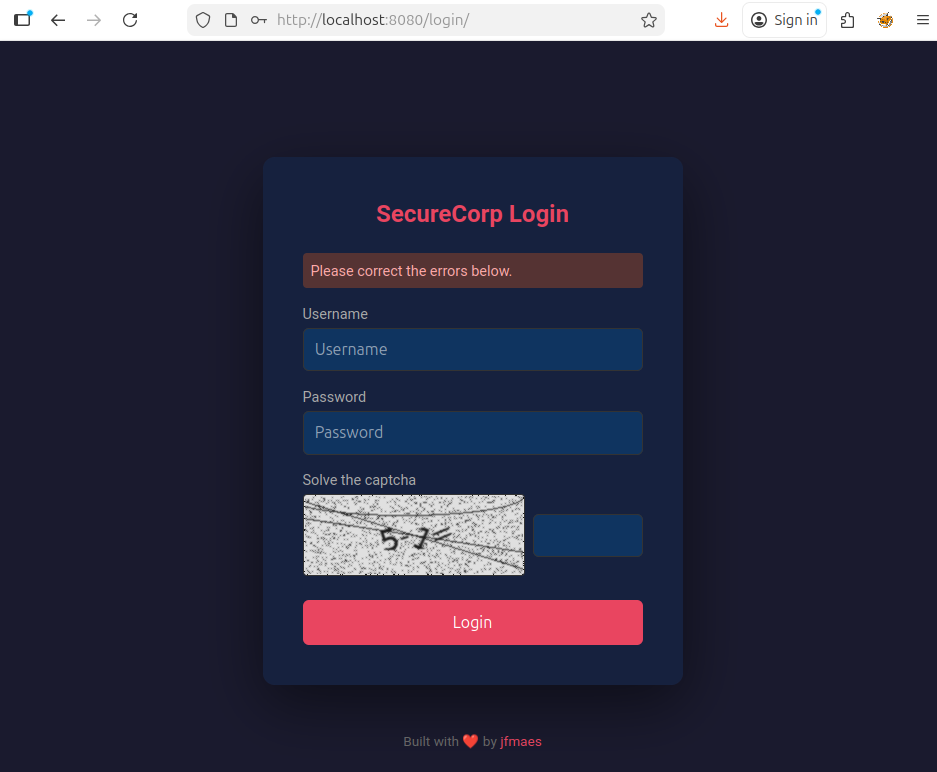
The lab
I turned this into a lab exercise for SEC565. The whole thing is containerized, one docker compose up and you’ve got the target app running. The solver script, wordlists, and documentation are all in the repo.
If you want to play with it yourself: https://github.com/jfmaes/LLM-Solver
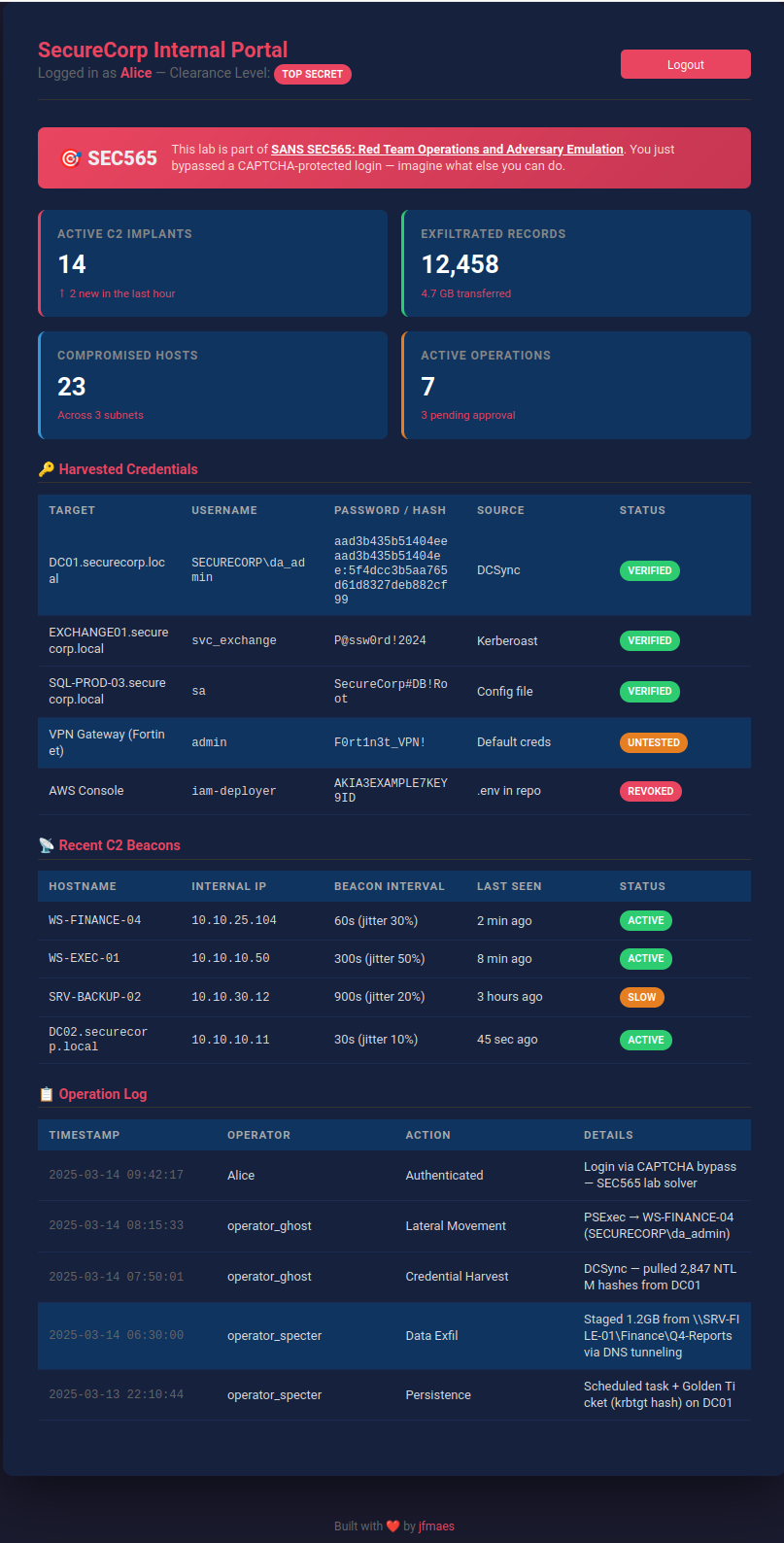
The app also has a deliberate username enumeration vulnerability (different error messages for “user doesn’t exist” vs “wrong password”), which makes the brute force a lot more targeted. That’s a whole separate discussion, but it’s a nice bonus for the lab.
Takeaways
Math-based CAPTCHAs don’t hold up against vision models. Not even a little bit. The noise, rotation, and visual distortion that defeated OCR for years is completely irrelevant now. If you’re building a web app and thinking “I’ll just add a CAPTCHA,” make sure you’re not treating it as your only line of defense.
Rate limit your login endpoints. Lock accounts after repeated failures. Use MFA. And if you do use a CAPTCHA, at least make it one that requires more than basic arithmetic to solve.
The code is on GitHub. Go break some CAPTCHAs (on systems you own, obviously).